Tracking Infrastructure · Buyer’s Guide
The cookieless apocalypse was called off in April 2025. Privacy Sandbox was shut down six months later. So does server-side tagging still make sense — and what does it genuinely cost once the hosting bill arrives?
For about five years, every server-side tracking pitch rested on the same premise: third-party cookies were being removed from Chrome, Privacy Sandbox would replace them, and you needed to rebuild your measurement stack before the deadline. It was urgent, it was dated, and it sold a great deal of consulting.
Then on 22 April 2025, Google announced it would not deprecate third-party cookies in Chrome after all — no phase-out, no standalone user prompt, just the existing controls left where they were. On 17 October 2025, Google went further and announced the retirement of most of Privacy Sandbox itself: Topics, Protected Audience, Attribution Reporting, IP Protection, Related Website Sets. Chrome began deprecating those APIs in version 144 in January 2026, with removal targeted for version 150 in July. Only a handful survive — CHIPS, FedCM, Private State Tokens. The UK’s Competition and Markets Authority released Google from its Privacy Sandbox commitments and closed a four-year investigation, on the grounds that Google was no longer removing third-party cookies.
Six years of industry preparation for a deadline that never arrived. If you sat that out, congratulations — you were right, and I was not.
So the honest question now isn’t “how do I prepare for the cookieless future.” It’s narrower and more useful: given that the deadline evaporated, is server-side tagging still worth the money?
What It Actually Is Stripped of the marketing
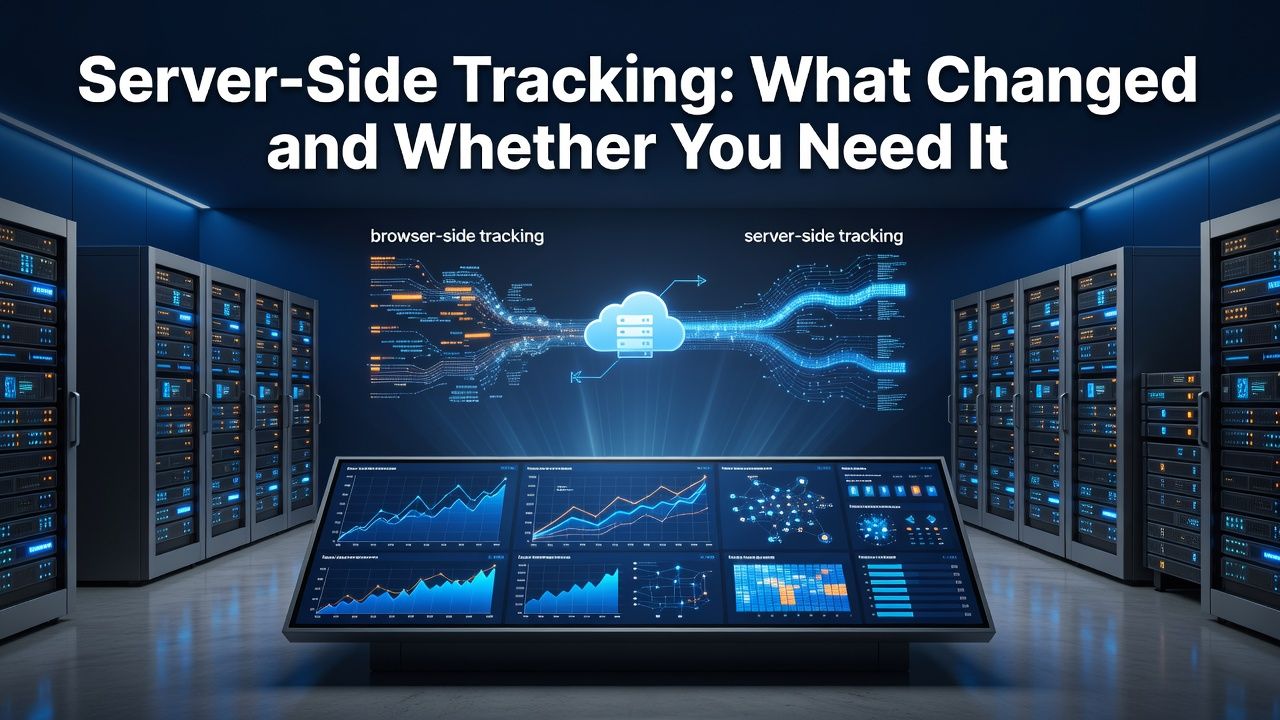
In conventional client-side tracking, the visitor’s browser loads scripts from Google, Meta and everyone else, and sends data directly to each of them. Your browser talks to a dozen companies.
In server-side tagging, the browser sends data to one endpoint you control — typically a subdomain like gtm.yoursite.com — and a server you own forwards it to the various platforms. The server is a Node.js process in a Docker container, running Google’s server-side Tag Manager image. The browser talks to you; you talk to everyone else.
That’s the whole architecture. Everything claimed for it flows from that one change, and so does everything falsely claimed for it.
What It Genuinely Does Four real benefits
It survives ad blockers and tracking protection. Requests to google-analytics.com or connect.facebook.net are blocked by extensions and by some browsers’ built-in protections. Requests to gtm.yoursite.com are, for now, mostly not. Depending on your audience, this recovers somewhere between a few percent and a great deal more — technical audiences skew heavily toward blocking.
It works around Safari’s cookie lifespan cap. This is the underrated one and it survived the Chrome reversal entirely intact. Safari’s Intelligent Tracking Prevention limits cookies set via JavaScript to a seven-day lifespan. A returning visitor after eight days looks like a brand-new user, which quietly destroys your returning-visitor metrics and any attribution window longer than a week. A cookie set server-side with an HTTP header isn’t subject to the same cap. If a meaningful share of your traffic is on iOS, this alone can justify the project.
It lets you strip data before it leaves. Email addresses in URL parameters, postcodes, phone numbers in form fields — things that end up in tracking payloads by accident. A server-side container can hash or remove them before forwarding. For anyone with a compliance function, this is often the argument that actually lands.
It reduces browser workload. One script instead of a dozen. The effect on Core Web Vitals is real but usually modest — and it’s not free, because a badly configured tagging server introduces latency of its own.
What It Does Not Do Read this before buying
This section exists because the marketing around server-side tagging is, frankly, slippery.
It does not make you compliant with anything. GDPR and ePrivacy govern what you do with personal data and whether you had consent, not which server the request travelled through. ePrivacy Article 5(3) applies regardless of whether a cookie is first-party or third-party. Moving your tracking server-side while ignoring consent doesn’t improve your legal position — if anything it worsens it, because you’ve now made the data collection harder for a regulator or a user to inspect, which is not a look you want in a complaint.
It does not let you bypass consent. Some vendors gesture at this without saying it outright. If a user declined tracking, sending their data through your own server instead of Google’s is a violation with extra steps.
It does not restore cross-site tracking in Safari. ITP restricts what it restricts. Server-side tagging fixes the first-party cookie lifespan problem specifically. It does not give you back the cross-site view.
It does not fix bad tracking. If your purchase event fires twice, moving it server-side gives you two server-side purchase events. Migrating a broken setup is the most common way to spend $1,200 and end up exactly where you started, except now the debugging is harder.
“Moving your tracking to your own server does not change your legal obligations. It changes whose logs the data appears in first.”
The Costs, Verified Where the budgets actually break
Server-side Tag Manager is free. The hosting is not, and the pricing structure is where people get caught.
Self-hosting on Google Cloud
Google’s own documentation is unambiguous about production costs on App Engine: each server is roughly $40 a month, and the recommended production configuration is three to six of them for redundancy. That’s a floor of about $120 a month before anything else. The testing configuration — a single small instance — usually costs nothing, which is why so many people report that server-side tagging is cheap and then get a surprise when they move to production.
Cloud Run is the other Google route and is cheaper for spiky traffic since it autoscales. Figures around $45 a month get quoted, but that’s for a single instance, and Google recommends a minimum of two for resilience. At high traffic with several tags, autoscaling to five or six instances puts you in the $240–$300 range.
The trap nobody mentions: logging is on by default. Every request gets recorded, and on a busy container that can add roughly $100 per 500,000 requests to your bill. Turn it off after you’ve finished debugging. I’ve seen this single setting double a hosting invoice.
Managed hosting
Stape is the usual entry point — a free tier at 10,000 requests a month, then $20 a month for 500,000 requests and $100 for five million. TAGGRS sits nearby, starting around €22–26 for 750,000 requests. Addingwell, now owned by Didomi, starts around €90 for a million requests with genuine overage billing at roughly €2.30 per additional 100,000.
That overage difference matters far more than the headline price, and it’s the single most important thing in this article for anyone with seasonal traffic. Stape and TAGGRS don’t bill overage — they stop. Stape pauses the container at 110% of quota, at which point it drops requests as though it were switched off, with a 30-day grace period on higher plans and none on the entry tier. TAGGRS states the position plainly: exceed the limit and data stops being sent.
So a cheap plan doesn’t degrade gracefully under a traffic spike. It deletes your peak trading week. If you run Black Friday, or any seasonal business, buy headroom you don’t need for eleven months of the year.
The cost nobody puts in a table
Setup. A managed host provisions the container; it does not populate it. Every GA4 tag, every Meta Conversions API tag, every trigger and variable is yours to build, test and maintain. When purchase events stop firing after a platform update or a checkout change, there’s no vendor who owns the fix.
Budget somewhere between twenty and fifty hours for a competent first implementation, or $1,500 to $6,000 for an agency, depending on how many platforms you’re feeding. Then budget ongoing maintenance, because this is infrastructure now, and infrastructure breaks. That number is usually larger than the entire first year of hosting, and it’s the one that gets left out of the business case.
Hosting Options Compared
| Option | Entry cost | Behaviour at the limit | Best for |
|---|---|---|---|
| Stape | Free (10K req/mo); $20 for 500K; $100 for 5M | Pauses container at 110% of quota; grace period on higher plans only | Most small and mid-sized sites |
| TAGGRS | ~€22–26 for 750K | Stops sending data past the limit | EU businesses wanting EU hosting |
| Addingwell | ~€90 for 1M | Bills overage at ~€2.30 per 100K | Anyone who cannot afford data loss on a spike |
| GCP App Engine | ~$40 per server; 3–6 recommended in production | Scales; you pay | Teams already on GCP with data-residency requirements |
| Cloud Run | ~$45/mo single instance; 2+ recommended | Autoscales to $240–$300 at high volume | Spiky traffic with in-house cloud skills |
| Self-hosted Docker | Your infrastructure | Whatever you built | Teams already running Kubernetes with an owner for it |
So Who Should Actually Do This? An honest threshold
Yes, probably: e-commerce businesses spending meaningfully on paid acquisition, where a few percent of recovered conversion signal changes what the bidding algorithms learn and therefore what they spend. Businesses with a large iOS audience, where the seven-day cookie cap is actively corrupting attribution. Anyone with a real compliance requirement to strip personal data before it leaves their infrastructure. Anyone in a regulated sector where the legal team wants a say in what’s transmitted.
Probably not: content sites and blogs monetised by display advertising. Your ad stack already runs client-side and isn’t going server-side, so you’d be adding cost and complexity to improve analytics you use for editorial decisions rather than bidding. Businesses with modest ad spend, where the annual cost of hosting plus setup exceeds any plausible gain. Anyone whose current client-side tracking is broken, because the correct first step is fixing that.
My rough threshold: below roughly $5,000 a month in paid media, the maths rarely works. Above it, and particularly above $20,000, the recovered signal starts to matter enough that the cost is noise. Between those, it depends mostly on how much of your traffic is Safari and how much your finance team hates surprises.
Working Out Whether It Pays A back-of-envelope you can actually run
Most business cases for server-side tagging are written as a list of benefits, which is not a business case. Here’s a rough calculation that takes about fifteen minutes and gives you a defensible number.
Step one: estimate your signal loss. Compare conversions recorded in your order database against conversions recorded in Google Ads and Meta for the same period. The gap is the ceiling on what better tracking could recover — not all of it is recoverable, but nothing above it is.
Step two: work out how much of that gap is addressable. Segment your traffic by browser. Safari and Firefox share, plus an estimate of ad-blocker usage in your audience, gives you the portion server-side tagging plausibly touches. For a mainstream consumer audience that might be 20–30%; for a developer-facing product it can be far higher.
Step three: translate recovered signal into money. This is the step people skip, and it’s the one that matters. Recovered conversions don’t directly produce revenue — they produce better training data for bidding algorithms, which produces better allocation of the budget you’re already spending. A reasonable, deliberately conservative assumption is that a 10% improvement in conversion signal yields something in the low single digits of percentage improvement in blended acquisition cost.
Step four: compare against total cost of ownership. Hosting plus setup plus a realistic maintenance allowance for year one. Not just the $20 hosting line.
Run those four numbers and the answer usually becomes obvious in one direction or the other, which is more than most infrastructure decisions offer. Where it comes out genuinely marginal, my advice is to wait — the cost of doing this a year later is the same, and the cost of doing it badly now is not.
The Consent Layer You Can’t Skip
If you have European users and you run Google Ads with remarketing or personalised audiences, Consent Mode is a requirement rather than a nicety — Google gates audience features behind it for EEA traffic. It works with server-side tagging, and configuring it correctly is a meaningful share of the implementation work.
The wider point for 2026: browser behaviour changed, but the law didn’t. Chrome keeping third-party cookies has no bearing on ePrivacy Article 5(3) or on CCPA’s treatment of sale and sharing. Anyone who was waiting for the cookie deprecation to force a consent overhaul has been waiting for the wrong event. Meanwhile Safari, Firefox and Brave continue to block third-party cookies by default, which is somewhere in the region of 17–20% of global traffic that has been cookieless this entire time regardless of what Chrome does.
That’s the reframing I’d offer. The cookieless future was cancelled. The cookieless present — a meaningful minority of your users, permanently — has been here for years and isn’t going anywhere.
If You’re Going Ahead
Fix your client-side tracking first and confirm it’s correct. Migrating a broken setup produces a broken server-side setup that’s harder to debug.
Start on a managed host. Stape’s free tier is enough to build and test a container properly, and you can move to Cloud Run later if scale or data residency demands it. Learning server-side tagging and Google Cloud provisioning simultaneously is a bad first week.
Run both stacks in parallel for at least a month. Compare event counts daily. Do not switch off the client-side implementation until the numbers agree, and expect them not to agree at first — that gap is where all your bugs are.
Turn off request logging once debugging is finished. Set a billing alert. Then set a calendar reminder to check event volumes quarterly, because the failure mode here isn’t dramatic — it’s a purchase tag that silently stopped firing after a platform update, discovered six weeks later when someone notices revenue looks low.
Hosting prices verified August 2026 against Stape, TAGGRS, Addingwell and Google Cloud’s own documentation; Privacy Sandbox and cookie policy timelines verified against Google’s published announcements. Vendor request allowances are defined differently between providers — read the terms before budgeting. This article contains no affiliate links.